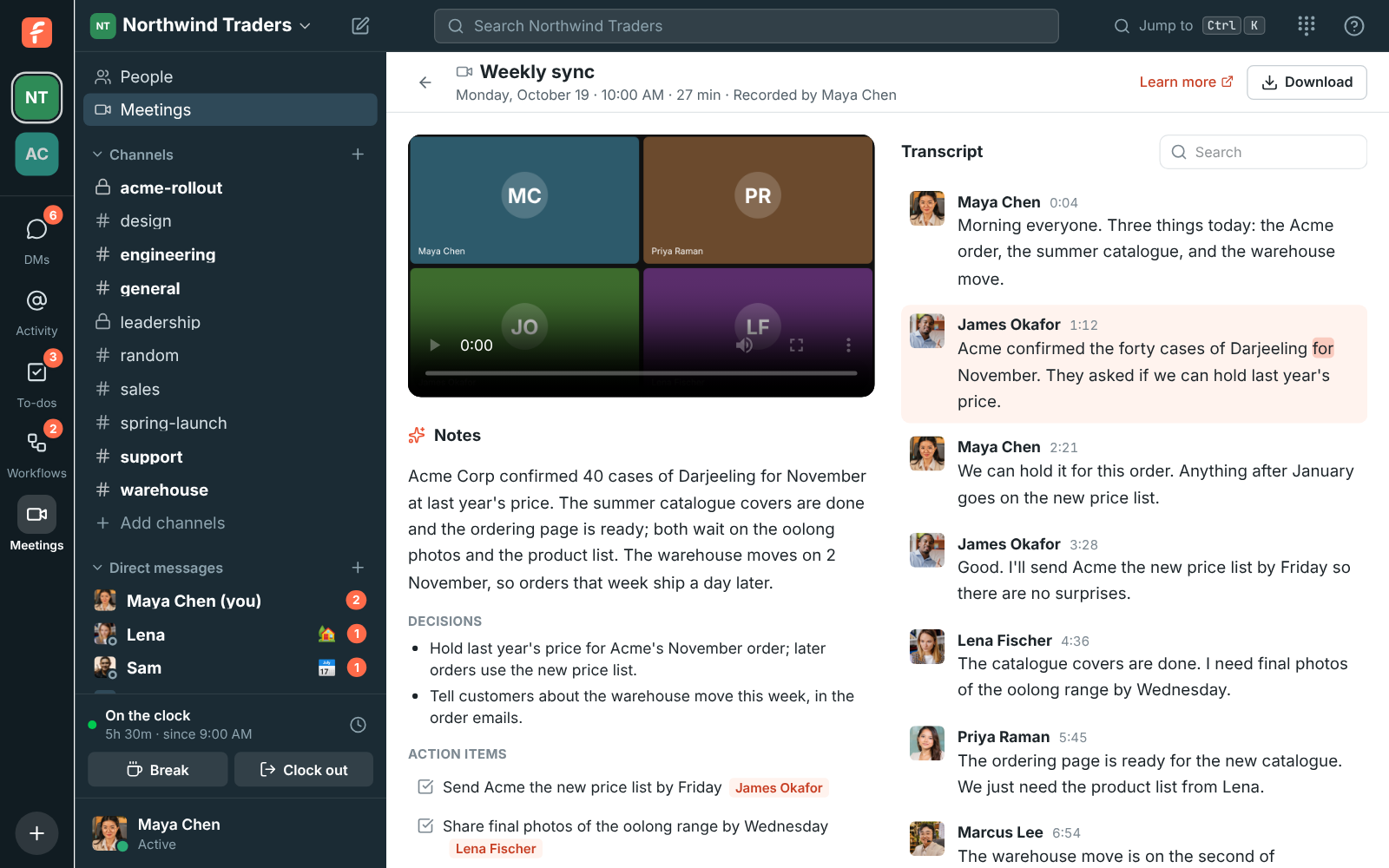
Notes and a transcript from every call you record
A summary, the decisions and the action items a minute after the call. Click any word in the transcript to play the call from there. Notes come in the language of the call. Learn more
For support and sales teams
One app for the team that talks to your customers. Hand a customer to a colleague in a thread, meet with a guest who joins from the browser, and take calls on your own phone line. AI catches you up on what you missed and writes up notes from your calls.
Built for customer support and sales. Free for small teams, no credit card. Already have an account? Sign in
A summary, the decisions and the action items a minute after the call. Click any word in the transcript to play the call from there. Notes come in the language of the call. Learn more
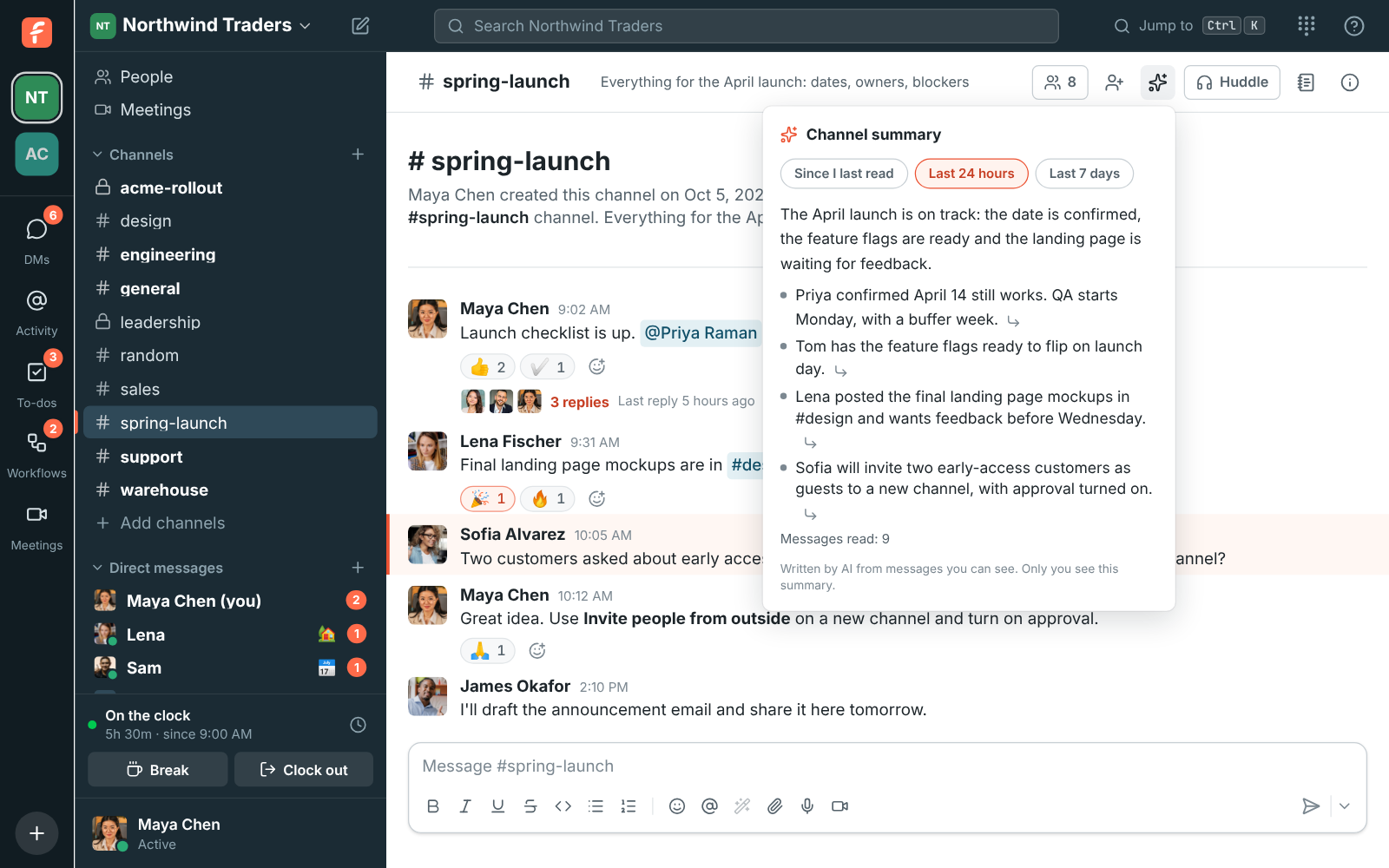
AI sums up a busy channel or a long thread in a few lines: what was decided, what's still open and who's waiting on whom, each point linked to its message. Learn more
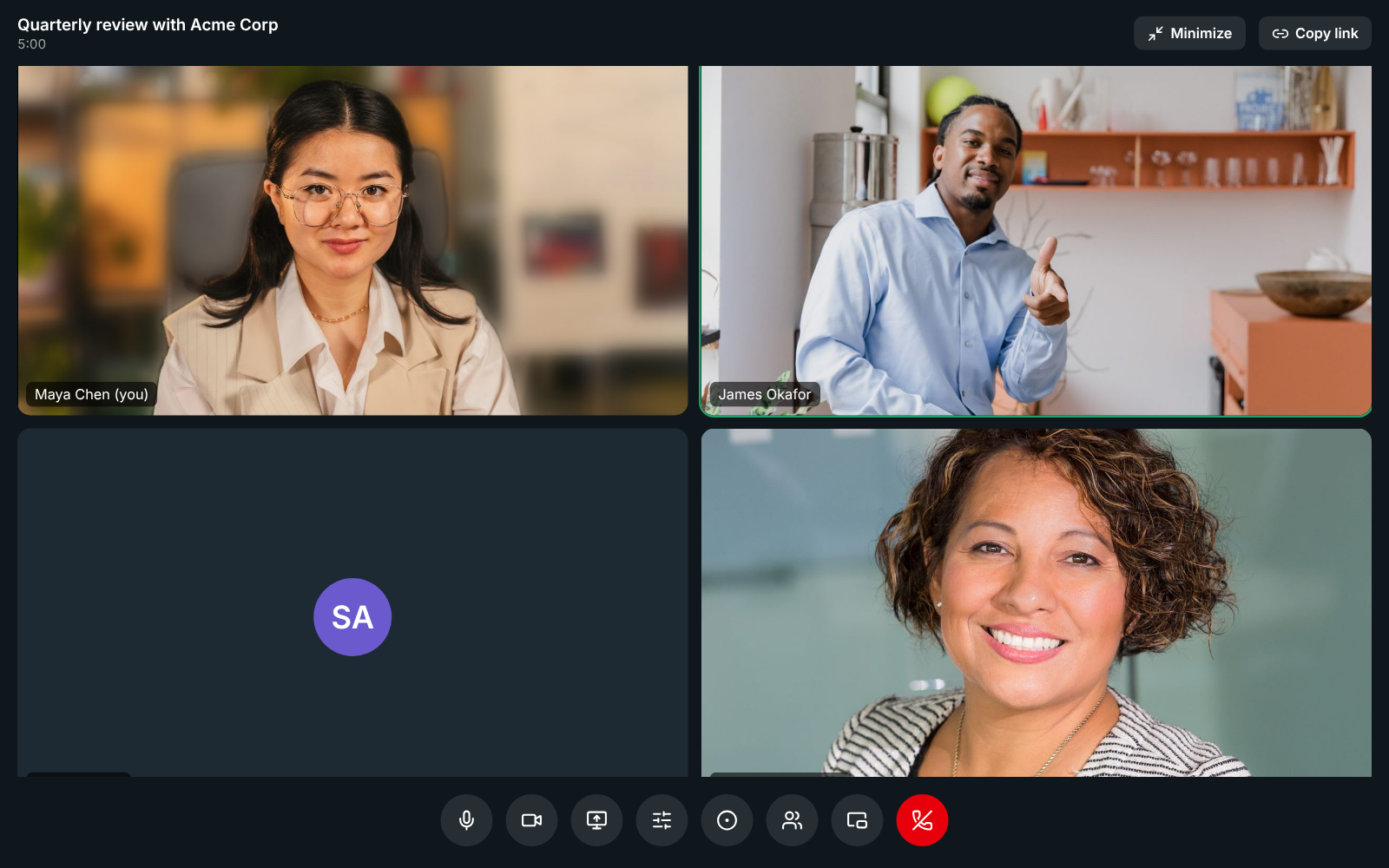
Send a guest link. Guests wait in a waiting room with hold music until you let them in, and get the notes and transcript by email afterwards. Learn more
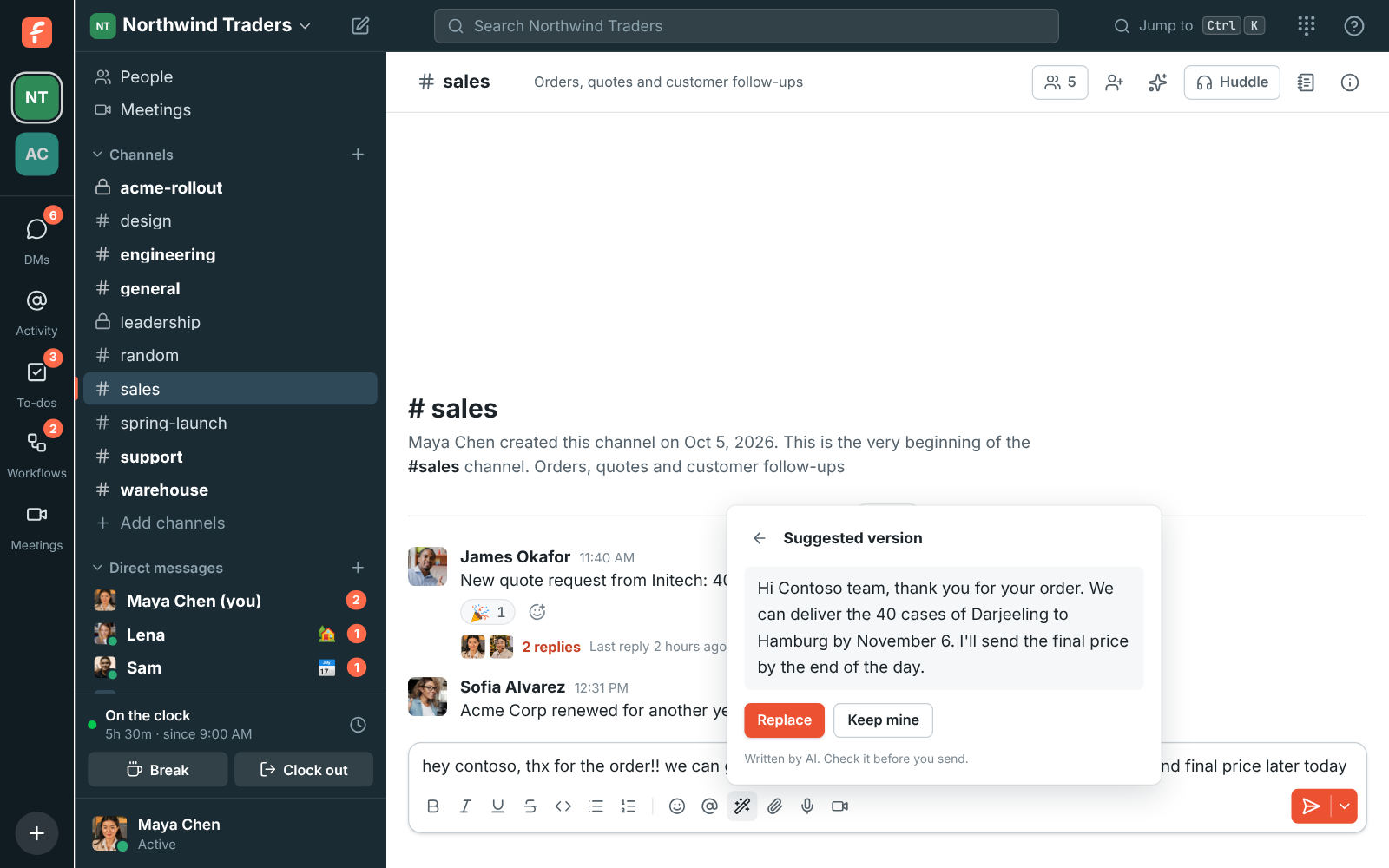
Let AI tidy a reply before you send it, translate any message in place, and put a call's action items on your to-do list in one click. Learn more
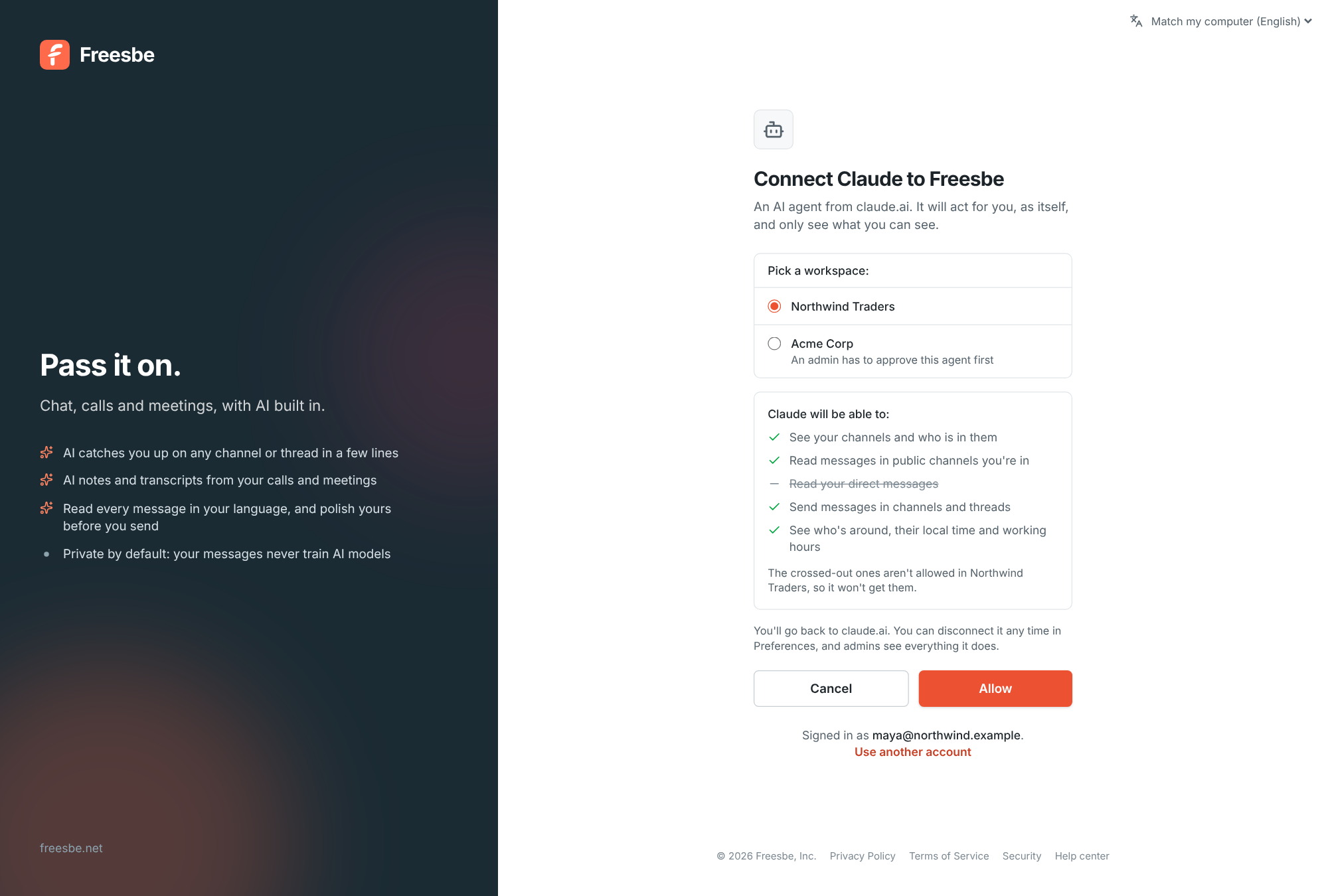
Connect Claude, ChatGPT or the agent you already use over MCP and sign it in with your Freesbe account. It works only where you can, and admins decide what it may do. Searching, catching you up and posting for you arrive over the next releases. Learn more
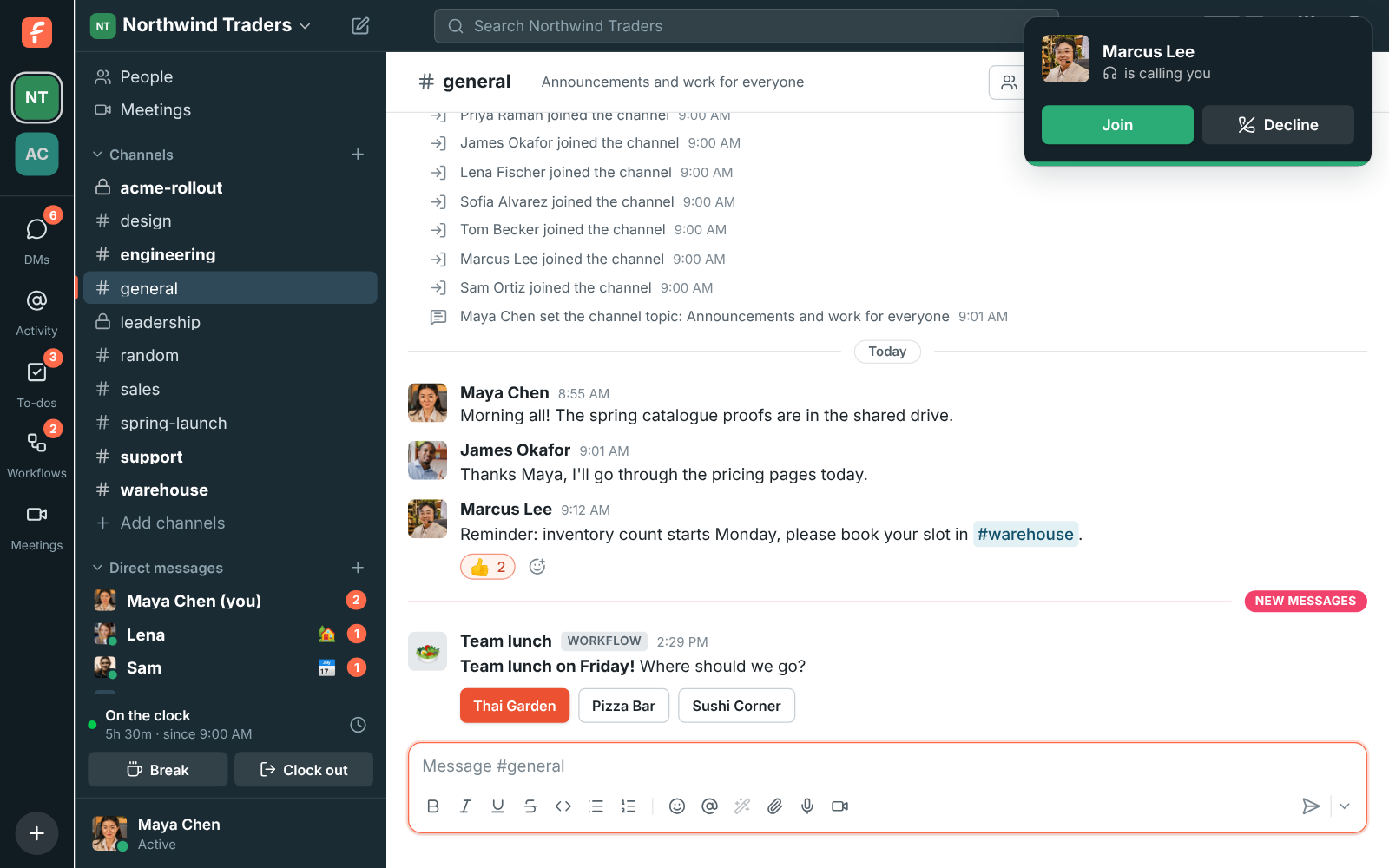
Start a huddle in any channel or DM and it rings on laptops and phones at once. Everyone gets their own line for a desk phone or softphone. Learn more
AI built in
Summaries, translations, writing help and call notes come with every plan, even Free. AI only reads what you can already read, only you see what it writes for you, and your messages aren't used to train AI models. Admins can turn it off for the whole workspace.
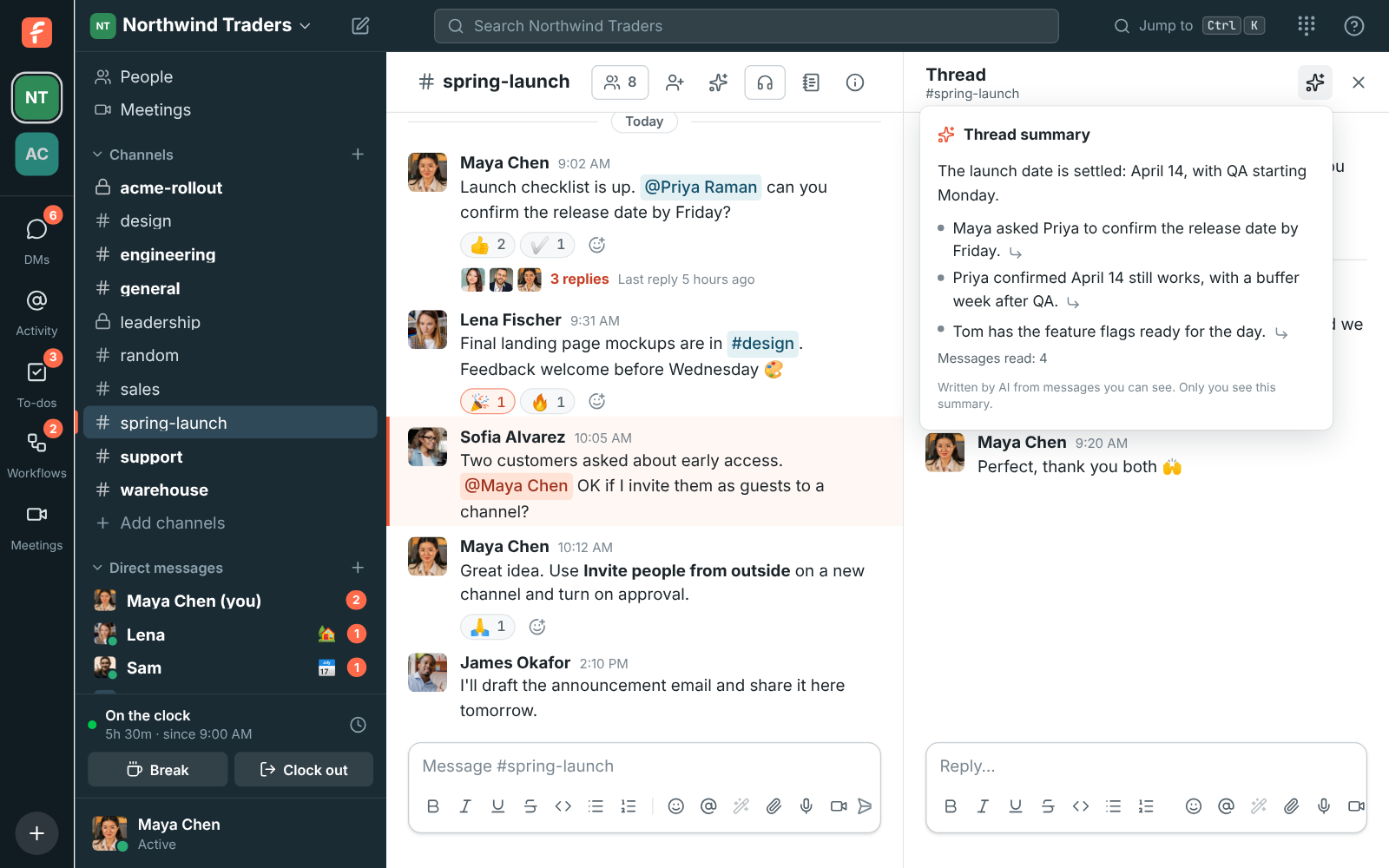
Dropped into a thread with 40 replies? Get what was decided and what's still open.
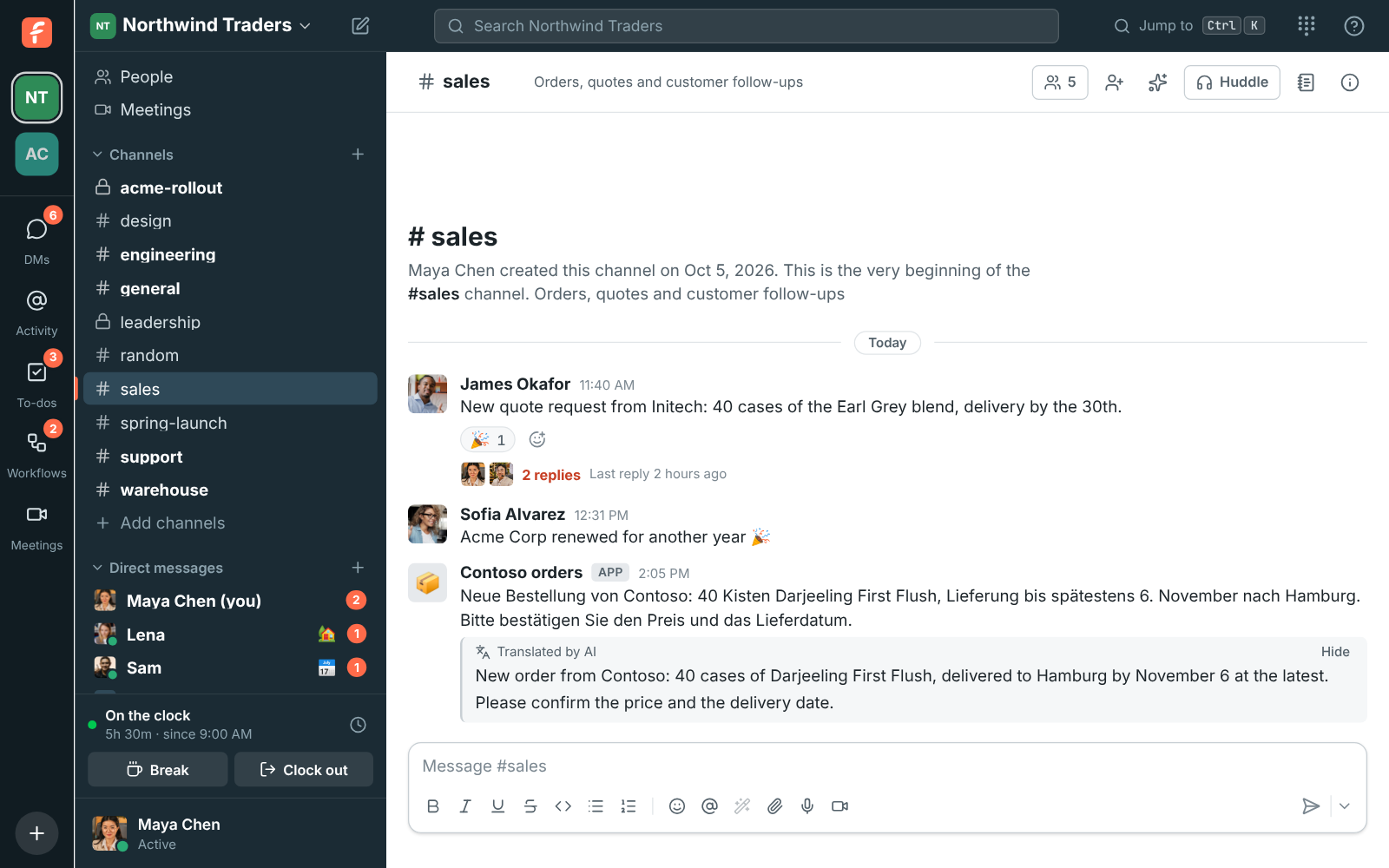
A customer wrote in German? Read it in your language, right under the original.
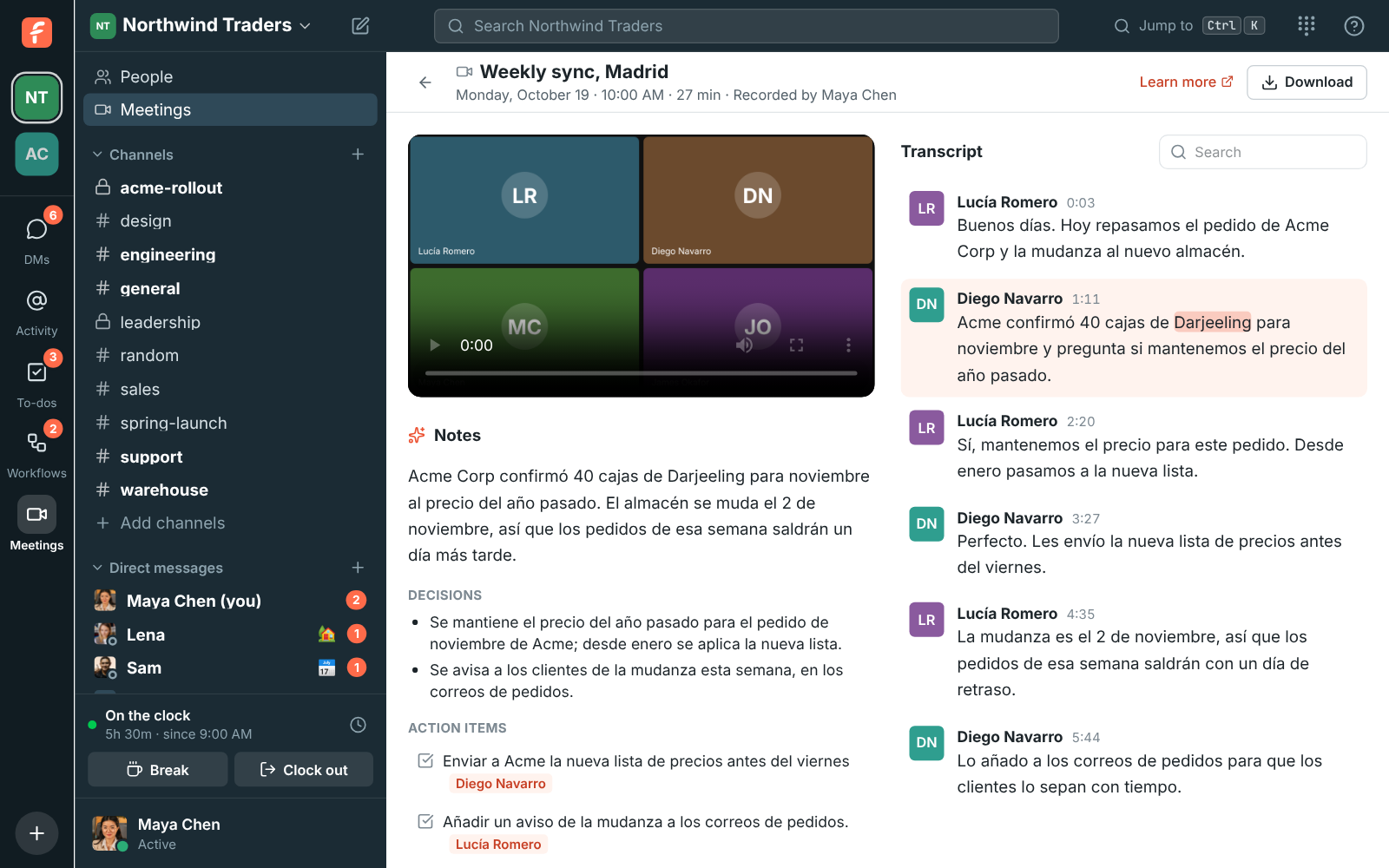
A call in Spanish gets its notes and transcript in Spanish, and transcripts work in many other languages too.
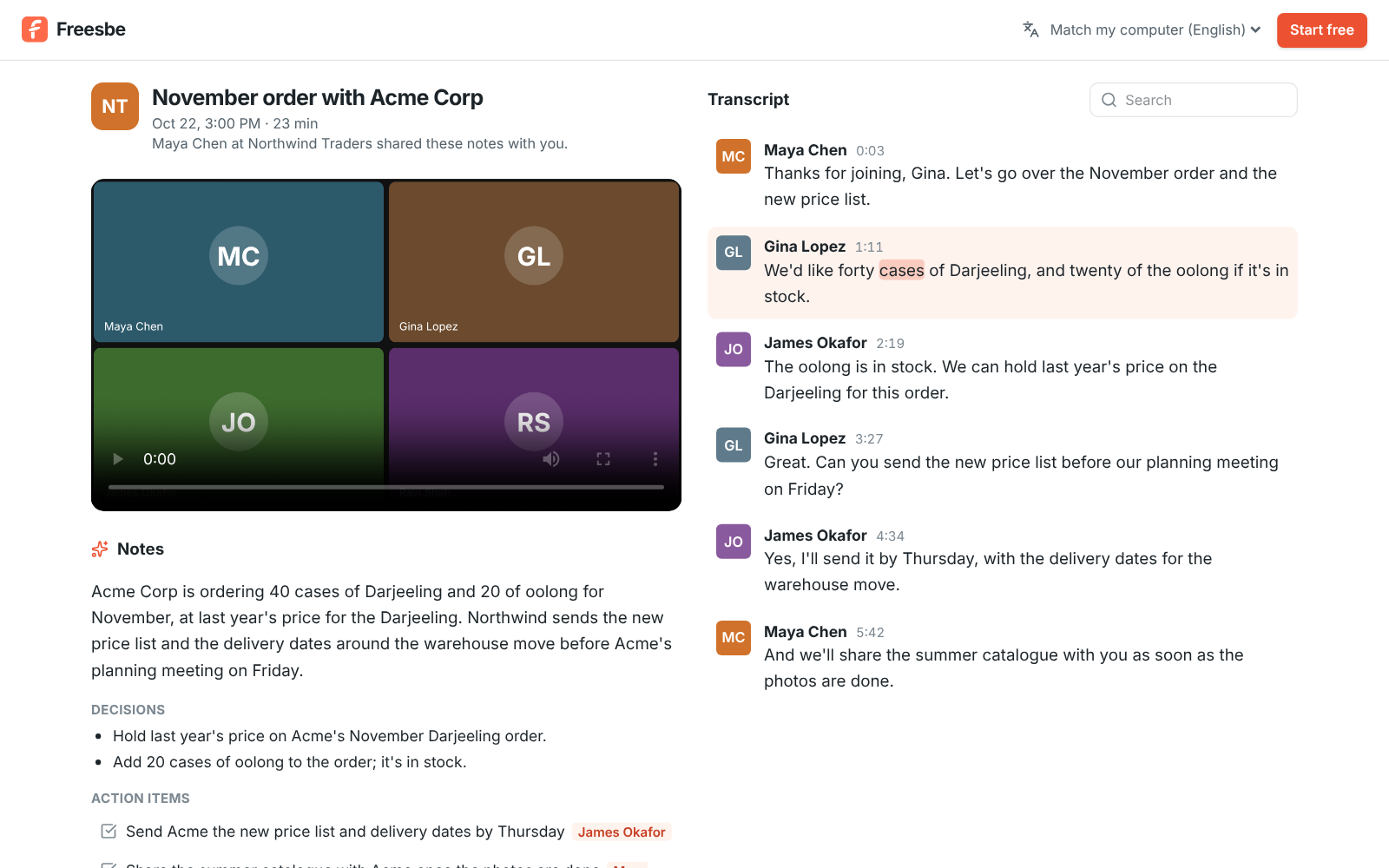
Share a meeting's notes and transcript with a customer by a private link that runs out.
Everything you use every day
Freesbe focuses on the features people open their chat app for, and makes them fast. Every guide is in the docs.
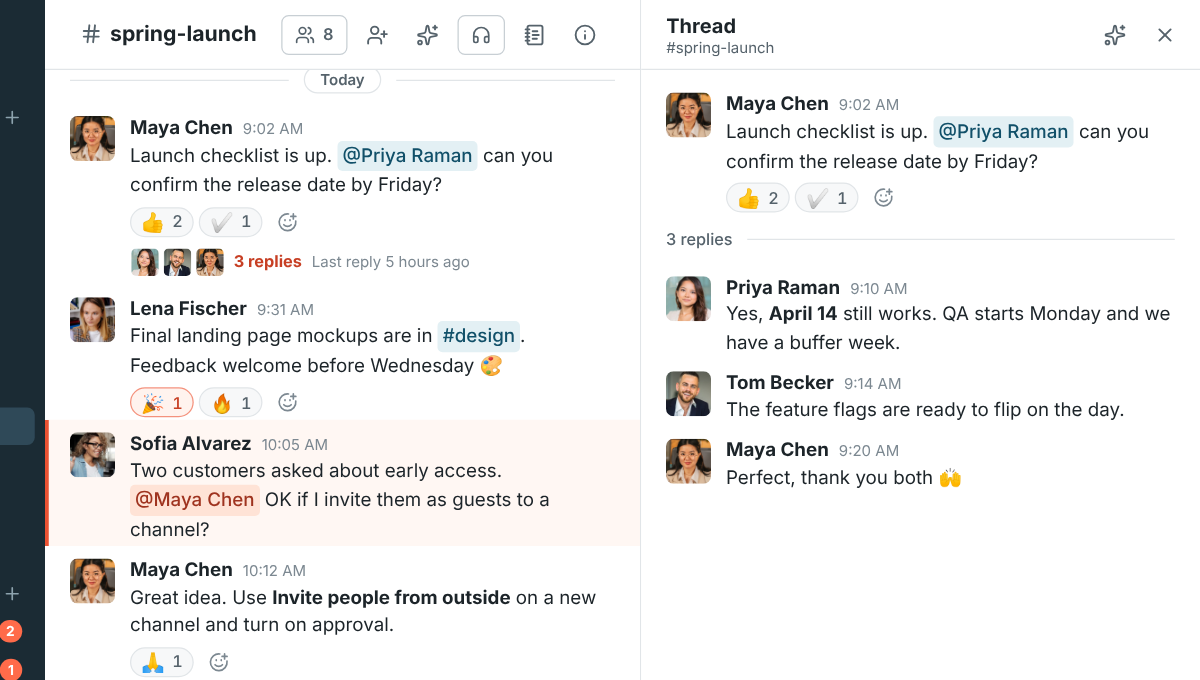
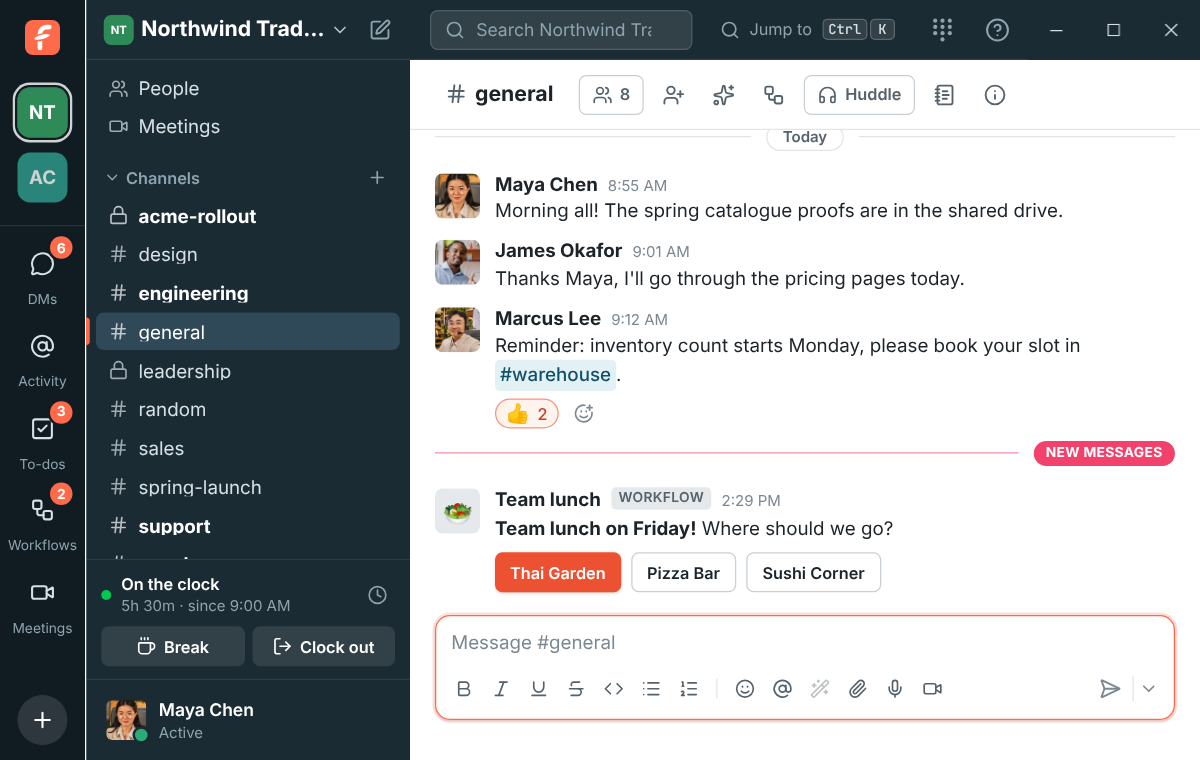
A channel for every team, topic and customer. Reply in a thread to keep the channel readable, and everyone who joins in follows along.
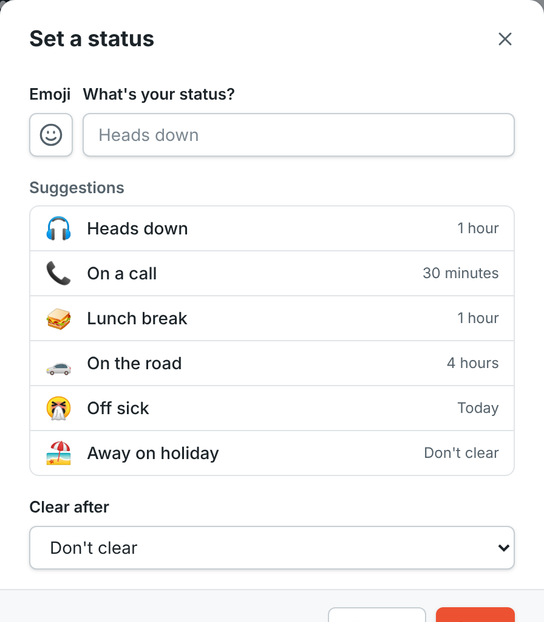
On a call for an hour, off sick until tomorrow. Freesbe puts it back when the time is up.

Start a huddle in a DM and it rings the other person on their laptop, browser and phone at once.
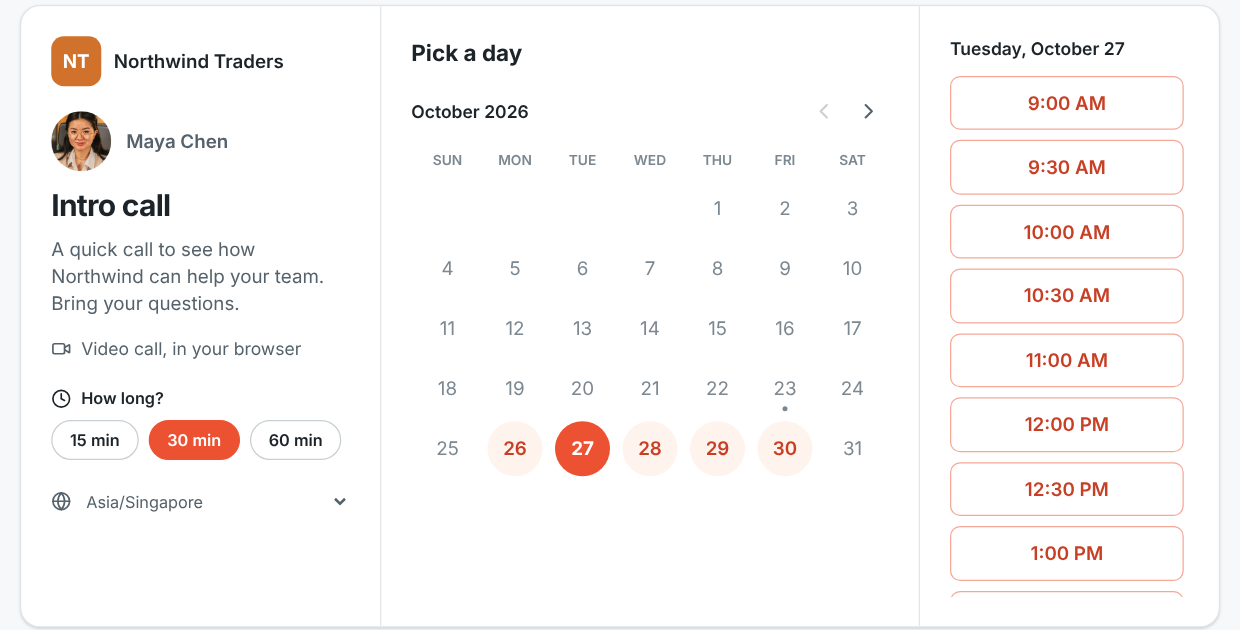
Put your link in your email signature. People pick a free 15, 30 or 60 minute slot around your calendar and get an invite.
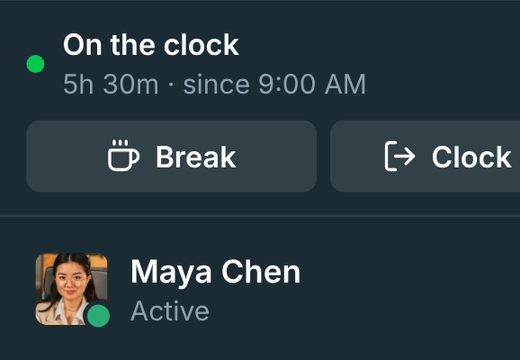
Clock in, take breaks and clock out from the sidebar. Weekly timesheets with every edit kept.
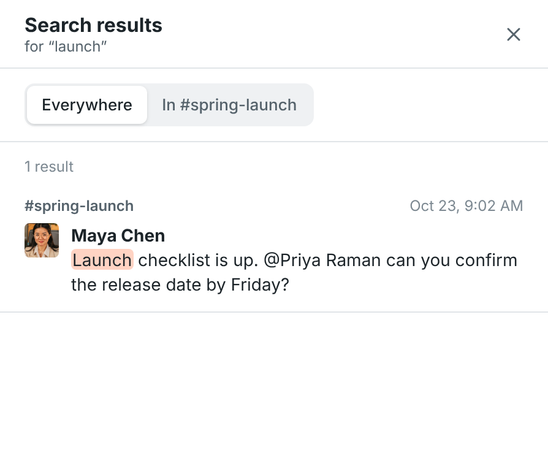
Find any message you can see, across the workspace or in one channel.
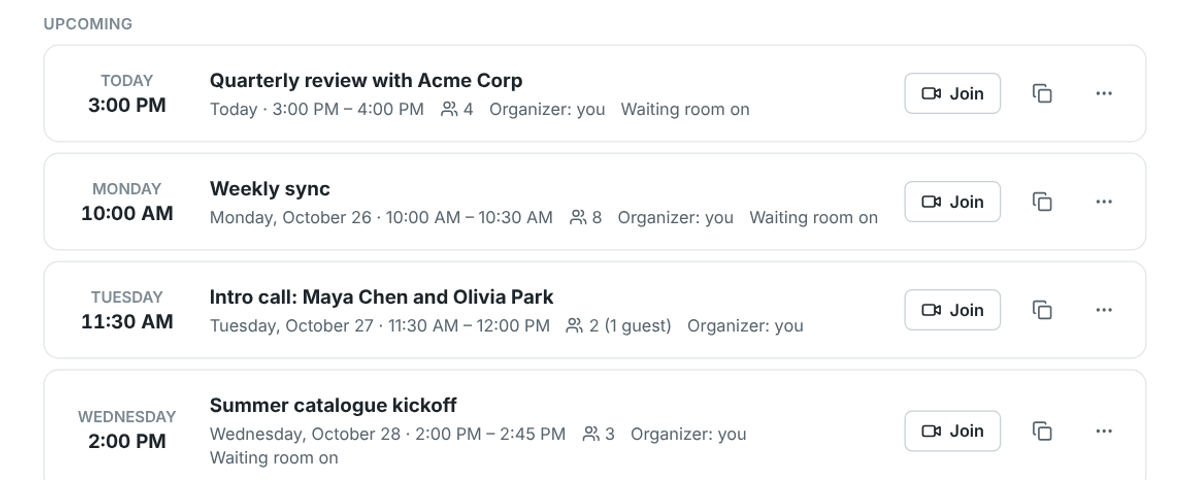
Schedule a call, email invites with a calendar file, and let guests in from the browser when you’re ready.
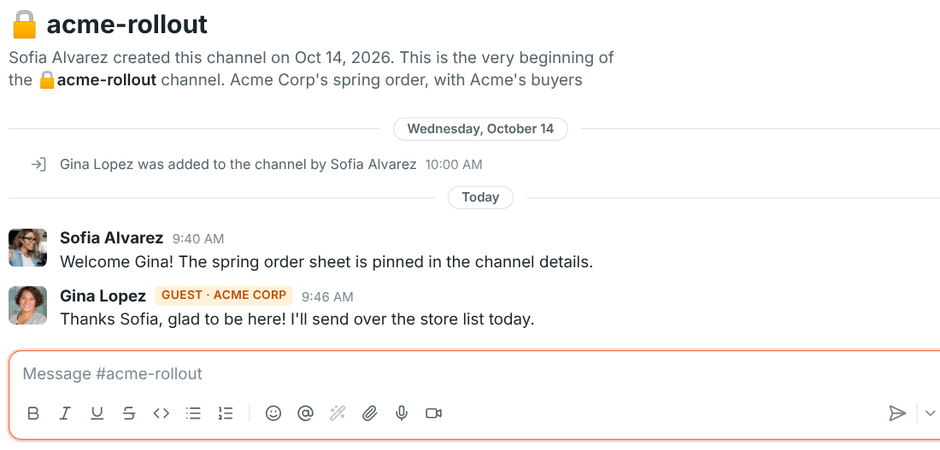
Invite a customer or a supplier into just the channels you pick. They’re clearly marked as guests.
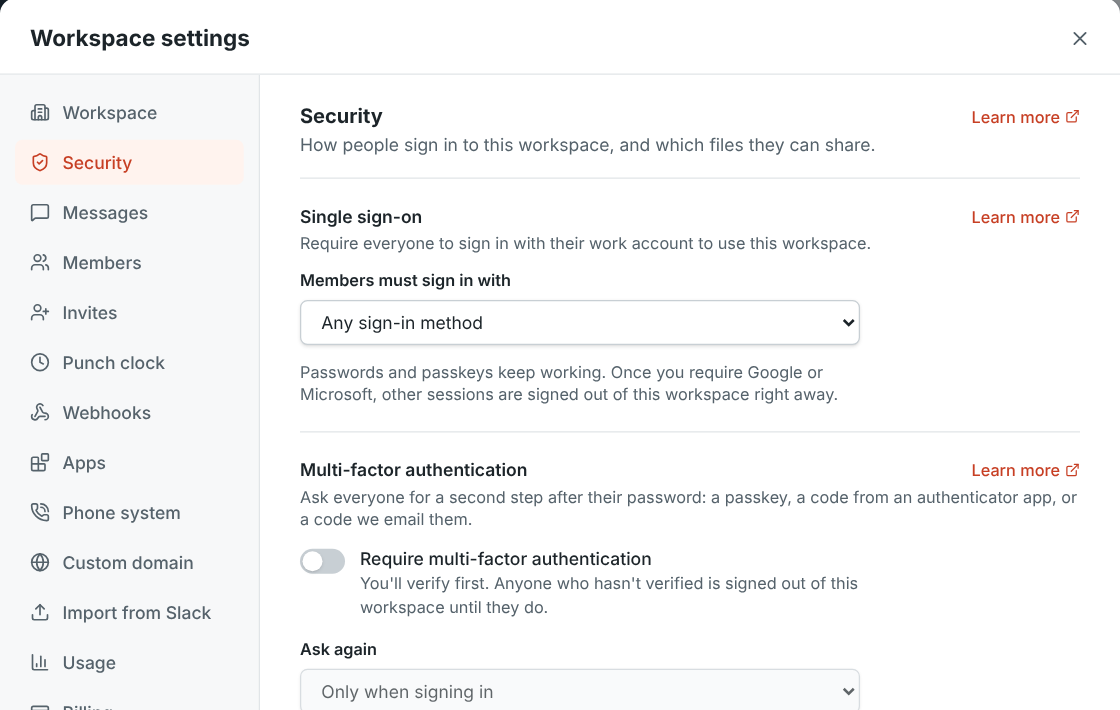
Require Google or Microsoft sign-in, turn on two-step verification, and choose which files people can share.
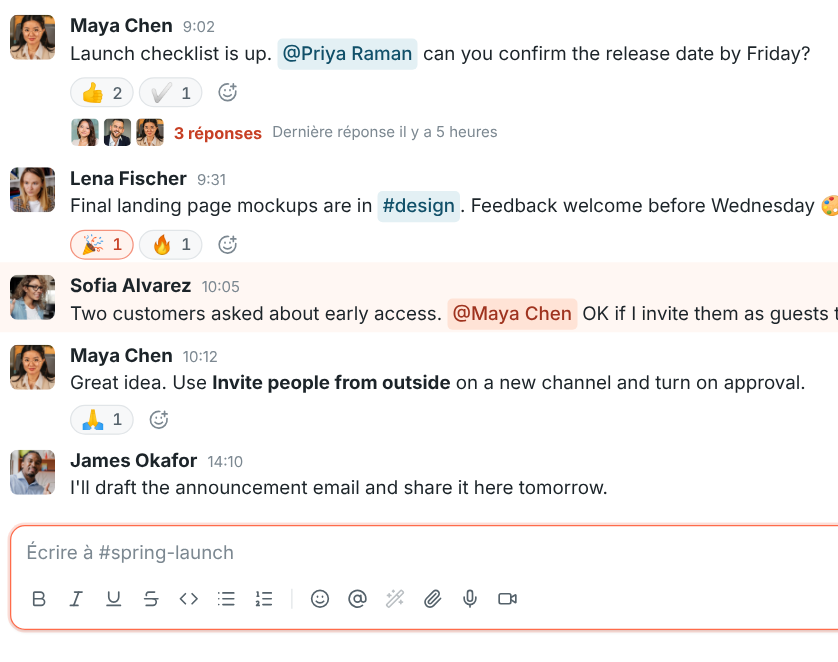
Freesbe follows your computer’s language, from French and Spanish to Korean, Polish and Hindi.
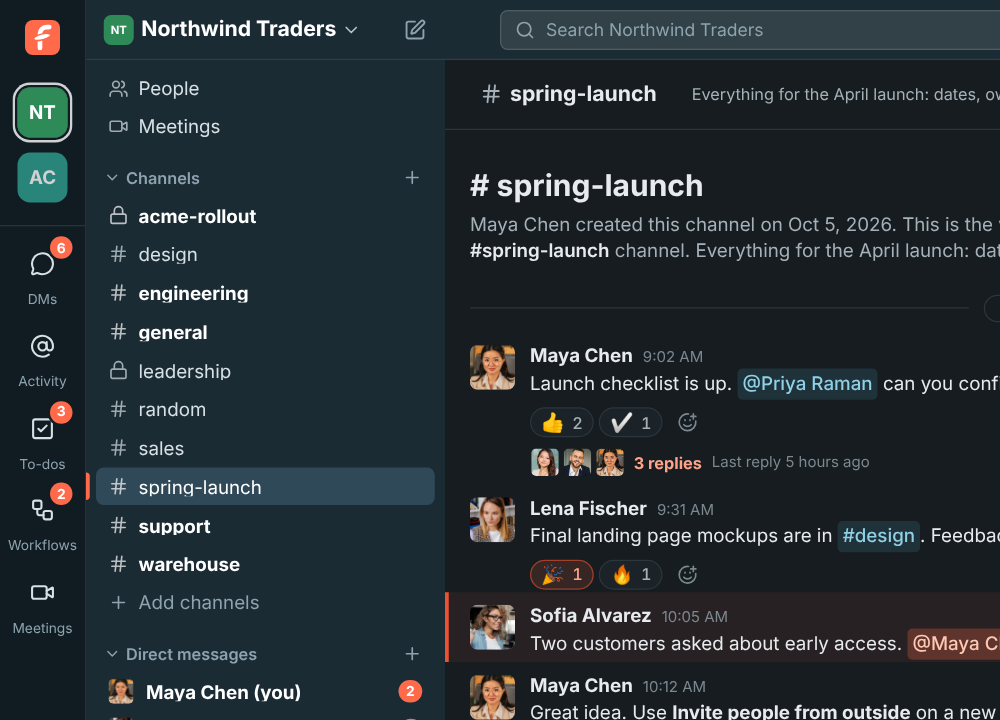
Follows your system, or pick one in Preferences.
Video calls & screen sharing
Start a huddle in any channel or DM and turn on your camera when you want to be seen. Share your screen to walk through a quote, a schedule or a bug, and anyone in the conversation can drop in. In a DM, it rings the other person wherever they’re signed in.
Phone
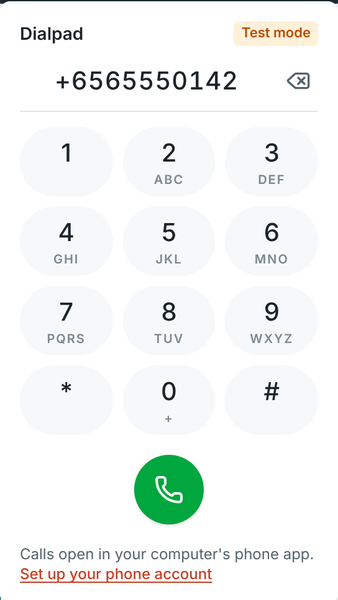
Connect your sip.io account once and every person in the workspace can create their own SIP credentials from their profile. Add them to a desk phone or a softphone app and it registers straight with sip.io, so calls keep working even when the app is closed.
Integrations
Incoming webhooks accept Slack’s message format, so the alerts, deploy notices and form submissions you send today work after you change one URL. Outgoing webhooks are signed and retried, so your own systems can react to messages reliably.
curl -X POST https://app.freesbe.net/hooks/YOUR_TOKEN \
  -H 'Content-Type: application/json' \
  -d '{"text": "Deploy finished :rocket:"}'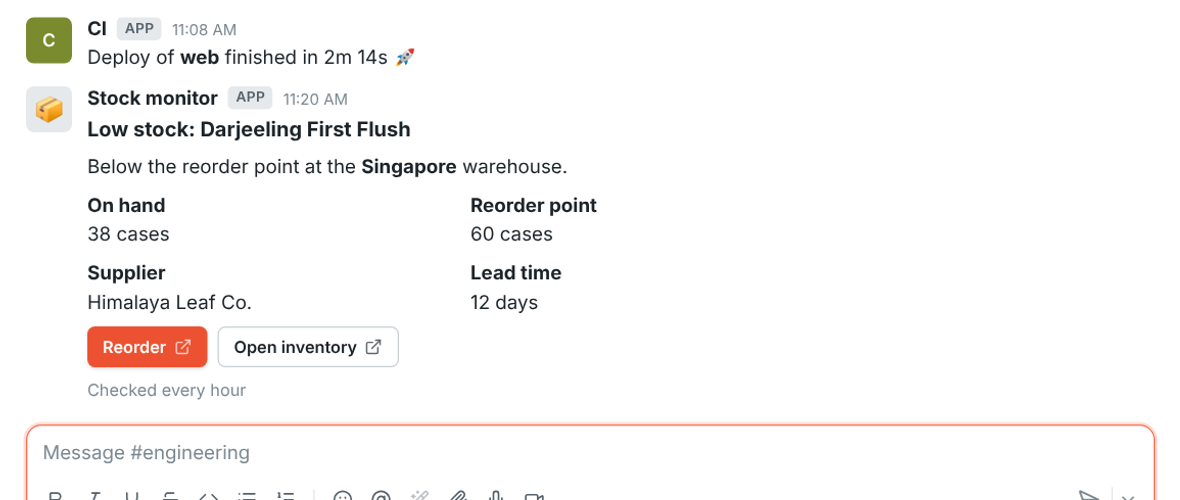
Switching from Slack
Import a Slack export and Freesbe brings over people, channels, DMs, threads, reactions and files. Everyone gets an account waiting for them, and claims it the first time they sign in, so nobody starts from an empty sidebar.
Desktop and web
The desktop app for macOS, Windows and Linux adds native notifications, an unread badge, a tray icon, an always-on-top call window and links that open straight to a conversation. It updates itself, keeps an encrypted cache so channels open instantly, and speaks your computer’s language. Or just use it in the browser.
Pricing
Start free, move to Business when you need group video, meetings and your phone line, and to Corporate when you need required SSO and phone support.
Set up a workspace, invite your team and connect your phones.